
If the client does not want to enter their password when logging in to the Cloud, they can manually add their credentials to Windows Credential Manager.
Download a new RDP icon: RD Web Access
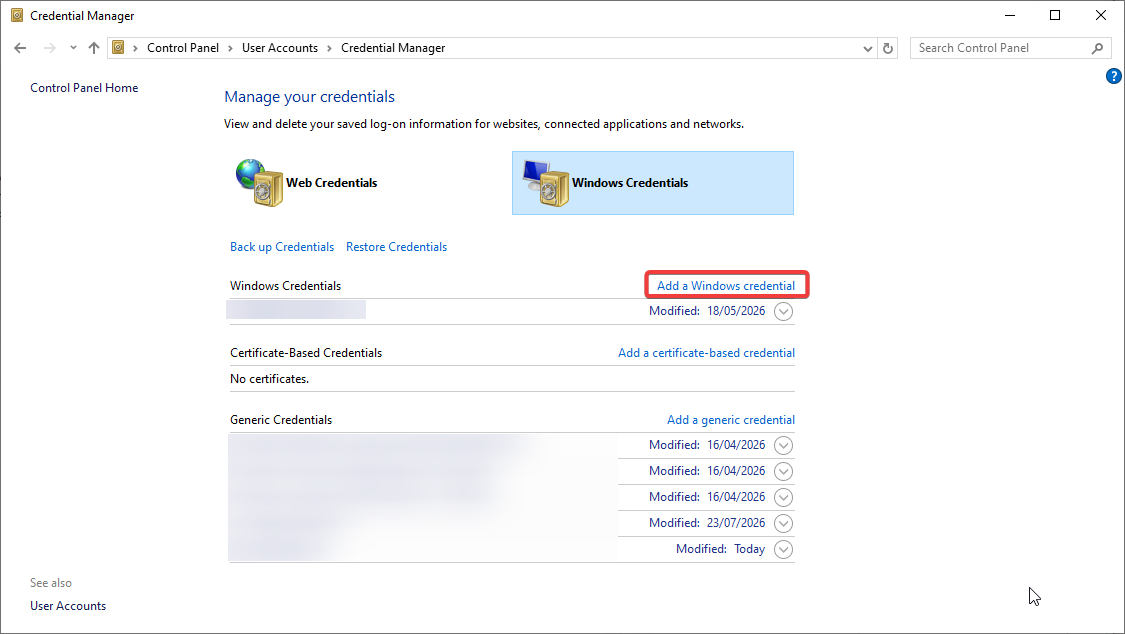
Control Panel -> User Accounts -> Credential Manager -> Manage Windows Credentials
Select Add a Windows Credential
Internet or network address: rds.emircrm.co.uk
Username: SIIT\[username]
Password: [password]
Click "OK" to confirm.
Double-clicking should now log them straight in.